
Every change found,
carried through.
When a customer revises a drawing or BOM, we compare the revisions and bring every changed line forward for review.
Planned · shaped with our first partners
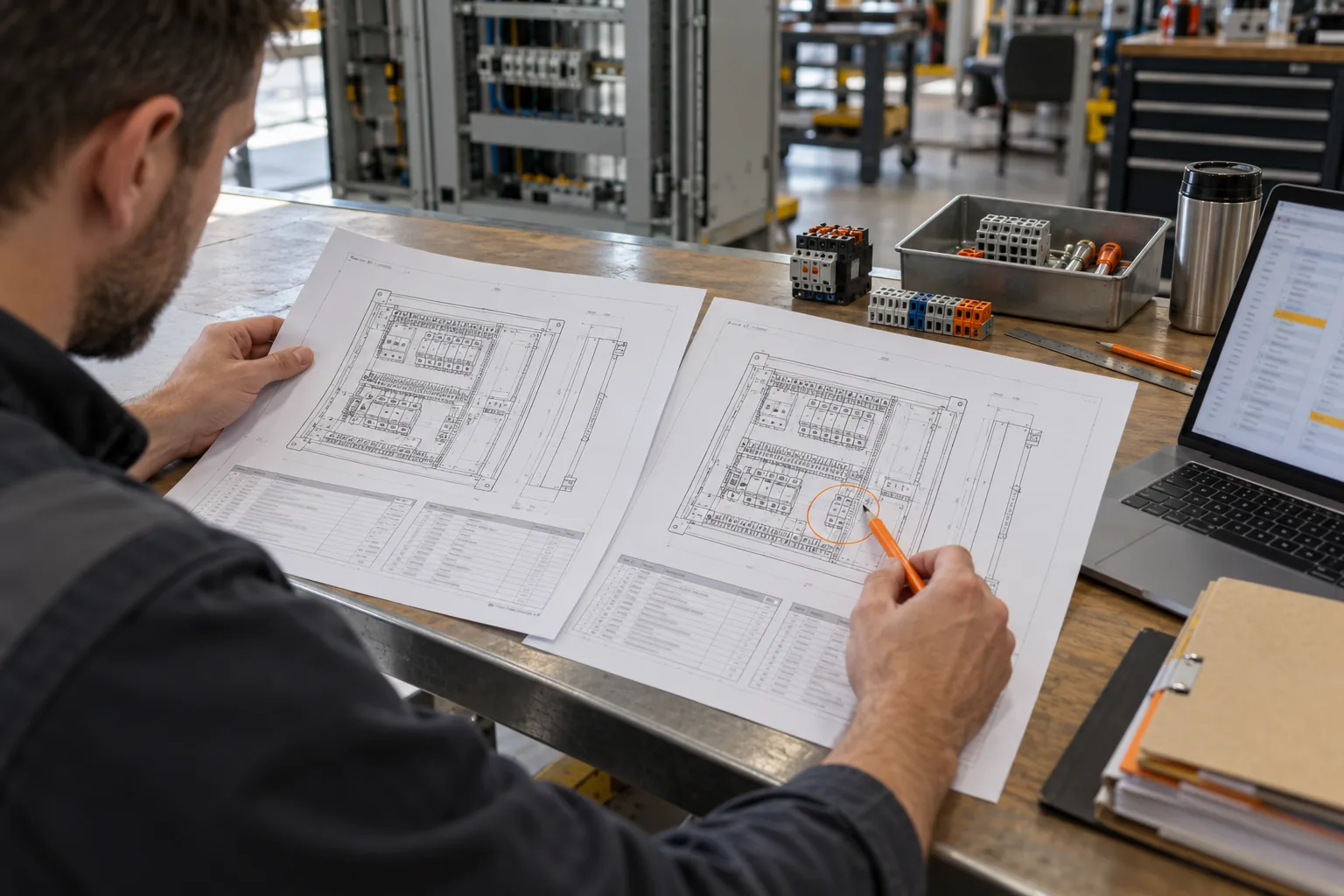
- WE READTwo revisions inOld and new BOM exports
- WE COMPAREChanges foundAdded, removed, changed lines
- WE LINKCarried forwardTo the quote, the order and the job
- YOUR ENGINEERYou approveTechnical changes decided by a person
One new file.
Many places it has to reach.
Select a step to see what has to happen, and where a change gets lost. Each step also shows what it costs you.
Revision arrives
The customer sends an updated drawing or BOM, sometimes by email, sometimes as a replacement file with the same name.
The email says “updated BOM attached”. It does not say what changed.
Version tangle. People work from different documents without knowing it.
Find what changed
An engineer or estimator lines up both versions and looks for added, removed and changed lines.
Small edits hide in long lists: a part number, a quantity, a rating.
Weekend of comparing. Senior people give up time for a task a machine can start.
Carry into the quote
Changed lines are repriced and the quote is updated or reissued.
A change is spotted in the BOM but never reaches the quote.
Missed line. It surfaces at purchasing, build or test, not at review.
Tell purchasing
Purchasing needs to know which lines to add, drop or change before anything is ordered.
The order is built from the previous version because nobody told purchasing.
Wrong order. Returns, restocking and a delayed build.
Tell the shop floor
Wiring lists, layouts and work instructions must reflect the new revision.
The shop builds to the old revision, and the error is found at test.
Rework. Labour, parts and schedule, spent twice.
Close the loop
Changes are confirmed, signed off and recorded against the revision.
There is no record of what changed, so the next dispute starts from memory.
Scope dispute. Margin on the job depends on a conversation that should not be needed.
Compare once.
Carry it everywhere.
The comparison is the start. The value is in carrying each change forward.
- Your data stays yours, under an NDA
- You keep your own tools and files
- A person approves every result
Two structured BOM exports are loaded and matched line by line.
| REF | ITEM | REV A | REV B |
|---|---|---|---|
| TB-01 | Terminal block | DEMO-TB-24 × 8 | DEMO-TB-24 × 8 |
| PS-01 | Power supply | DEMO-PS-A × 1 | DEMO-PS-B × 1 |
| CB-01 | Circuit breaker | DEMO-CB-01 × 1 | DEMO-CB-01 × 1 |
| RL-01 | Relay | DEMO-RL-01 × 4 | DEMO-RL-01 × 4 |
Two lines changed. Two lines are unchanged and stay out of the way.
| REF | ITEM | WAS | NOW | CHANGE |
|---|---|---|---|---|
| TB-01 | Terminal block | 8 | 12 | Quantity changed |
| PS-01 | Power supply | DEMO-PS-A | DEMO-PS-B | Part changed |
| CB-01, RL-01 | Unchanged | — | — | No change |
Each change is linked to the quote line, the purchase line and the job it affects.
| CHANGE | QUOTE LINE | PURCHASE LINE | JOB |
|---|---|---|---|
| TB-01, 8 to 12 | Q-2041, line 7 | PO-118, line 3 | J-318 |
| PS-01, part changed | Q-2041, line 4 | PO-118, line 2 | J-318 |
Your engineer decides on each technical change. Nothing moves on until then.
Waiting for your engineer
Waiting for your engineer
An illustration with made-up parts and prices. Your own version is set up around your files and rules.
Read both revisions
Two structured BOM exports are loaded and matched line by line.
List every change
Added, removed and changed lines are listed with the old and new values and a reference.
Link to what depends on it
Each change is linked to the quote line, the purchase line and the job it affects.
Your engineer approves
Technical changes are reviewed and approved by a person before anything moves on.
A 4–6 week pilot on your own work.
A subscription only once it is proven.
We agree the scope and the definition of done, and sign the NDA together. We run the pilot on your own data and keep refining it until it meets that definition. Your annual subscription starts only after you sign off the result.
- 01START · AGREE THE SCOPE
Agreed up front, in writing.
We sign the NDA and agree the scope together: one workflow, the success measures and exactly what done looks like. Only then do any drawings or prices change hands.
- 02DURING · 4–6 WEEK PILOT
On your own data.
We run the pilot beside your live work, so nothing you rely on changes. A consistent BOM export, known revision pairs and your team’s expected change list.
- 03END · SIGN-OFF
Refined until it meets the bar.
A short report against the success measures you set. If it falls short, we refine and run it again until it meets the definition of done.
- 04AFTER · SUBSCRIPTION
Starts at sign-off.
One annual subscription per workflow covers running it, support and improvements. You already know it works on your own data, so this is not an experiment.
How you are protected. The pilot has a bounded scope and success measures agreed before it starts. Concerns about your data, or about how our two teams will work together, are tested against those measures. At the end you decide whether to go on, and the subscription starts only after you sign off.
Why panel shops
work with us.
Your data stays yours. The workflow gets better every year, for you and for everyone we work with.
Your data stays yours
Your drawings, prices and quotes are covered by the NDA and are never shared with other shops. Access, storage and deletion are agreed up front.
You get the best of every shop
What we learn about the work itself, the common gaps and the checks that catch them, goes back into the product. You benefit from it without anyone seeing your data.
It keeps getting better
We keep refining the format, the checks and the results throughout the year. Improvements to your workflow are included in your subscription.
You see it work first
The pilot runs on your own quotes against a definition of done you set. You subscribe once you have signed off the result.
We run it. You decide.
We set it up, run it and support it. Your team reviews and approves everything that reaches a customer.
Built by AI product engineers
AI product engineering is what we do every day, and that craft goes into your workflow: the design, the testing and the support.
A comparison you can
trust at a glance.
The result is easy to read, easy to challenge and easy to trace.
Line matchingSame part, same place.3 checks
- Lines matched by part number and reference
- Renumbered rows recognised as the same line
- Unmatched lines listed, never dropped
Changed valuesWhat is different.4 checks
- Quantity differences shown old and new
- Part number changes shown old and new
- Description and rating changes shown old and new
- Unit and pack-size differences listed
Added and removedWhat appeared or disappeared.3 checks
- New lines listed with their reference
- Removed lines listed with their reference
- Moved lines distinguished from deleted ones
Downstream effectWhere each change lands.3 checks
- Quote lines affected by each change
- Purchase lines affected by each change
- Jobs and panels affected by each change
Format and structureWhether the files can be trusted.3 checks
- Column mapping confirmed against your export
- Blank or merged cells reported
- Duplicate rows reported
RecordA trail for the next question.3 checks
- Revision pair and date saved
- Decisions recorded per change
- Export of the change list on request
Tap a card to see the checks.
What a flag looks like · sample
Contactor line, quantity differs
Old revision shows 4. New revision shows 6. Linked to the quote and to the purchase list.
Relay, different part number
Part number differs between revisions. Suitability is an engineering decision.
Terminal block, no longer listed
Present in the previous revision, absent in this one.
What we will not do · boundaries we keep, on purpose
Scope, input, output and boundaries
Two structured BOM exports
Added, removed and changed lines with references
Your engineer approves technical changes
A consistent BOM export, known revision pairs and your team’s expected change list.
Change detection against the agreed reference set, false flags and time to complete review.
Comparison is not electrical design validation. Part substitutions and suitability remain engineering decisions.
What buyers ask
before they start.
How does BOM revision comparison work?
We take the old and new BOM and compare them line by line. The result is a clear list of added, removed and changed lines, so your engineer sees every change in one place instead of hunting for it.
Can it catch a changed quantity or part number between drawing revisions?
That is the core job. A changed quantity, part number or description is flagged against the earlier revision. The pilot measures how well it finds changes against a reference set you agree in advance.
What happens after a customer revises the job mid-build?
Every changed line is carried forward for review, so your team can see which quotes, purchase orders and build tasks it touches. Your engineer decides what to do with each change.
Which files do you compare?
We start from the BOM exports you already have, such as spreadsheets. Anything beyond that, such as comparing drawing PDFs, is agreed in the pilot scope. We sign an NDA before any files are shared.
How is revision tracking measured in a pilot?
The pilot measures change detection against the agreed reference set, false flags, and the time your engineer needs to complete the review. You agree the success measures before it starts.
Is BOM revision tracking available yet, and who signs off?
It is planned next and is being shaped with our first partners. Your engineer reviews and approves every change; nothing is acted on without a person’s sign-off.
See what it could take
off your team.
A 20-minute call. We listen first, walk you through it, and tell you whether it fits. No drawings needed.
Guides behind this workflow.
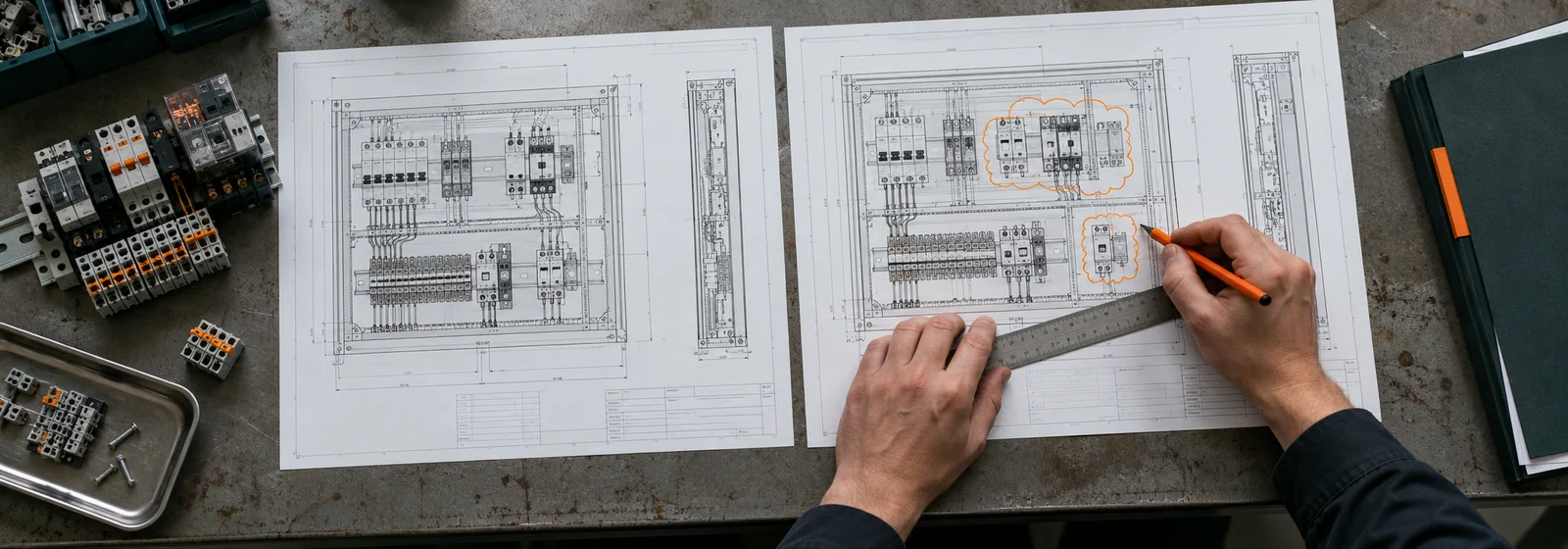 Revisions · 6 min read
One changed line can derail a panel build. Here’s how to catch it
Learn how a formal change order catches every changed line and keeps BOM and drawings aligned.
Read the guide ↗ Compliance · 6 min read
Is your UL 508A documentation pack complete?
A checklist of the documents a UL 508A panel file needs, so gaps are found before an inspector finds them.
Read the guide ↗Other jobs we can
take off your team.
Quote preparation is where we start. The others are planned next, shaped with our first partners. Have a different job in mind? Bring it to us.
 START HERE01 / QUOTE
Quote preparation
Turn an RFQ into a reviewed BOM and a priced draft quote.
Prepare quotes faster ↗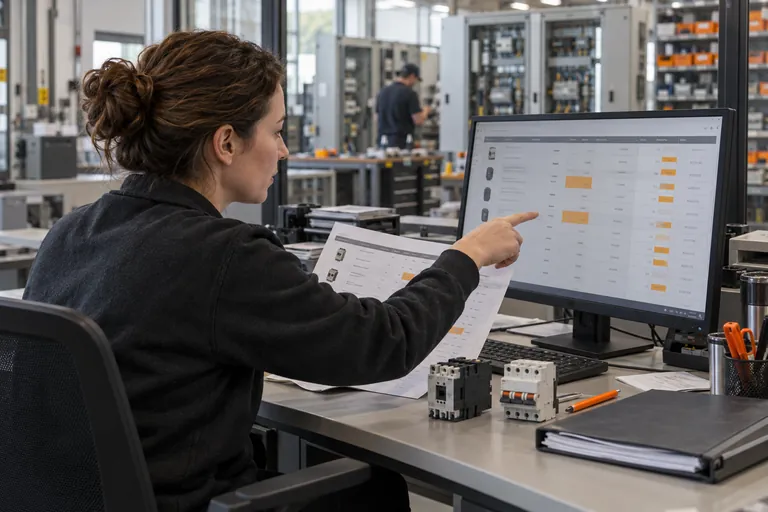 NEXT02 / PRICE
Price and lead-time alerts
Flag quotes that go stale when component prices or lead times move.
Catch stale quotes ↗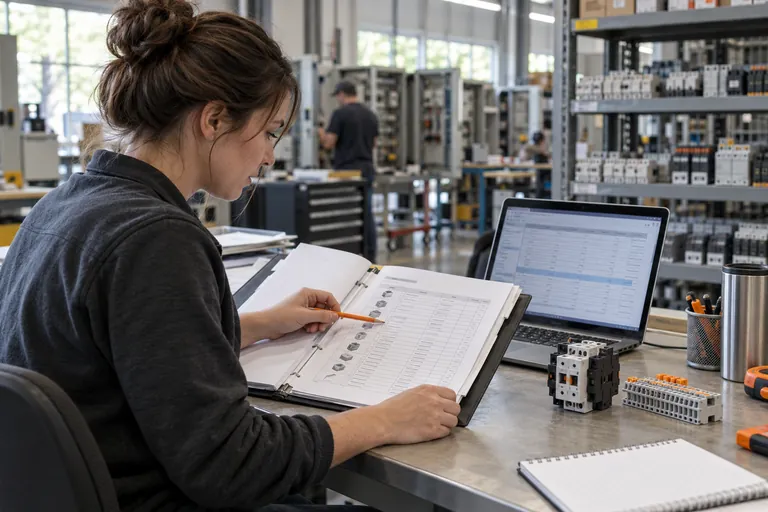 NEXT04 / BUY
Purchasing checks
Check the BOM against the purchase order before parts are ordered.
Check before you buy ↗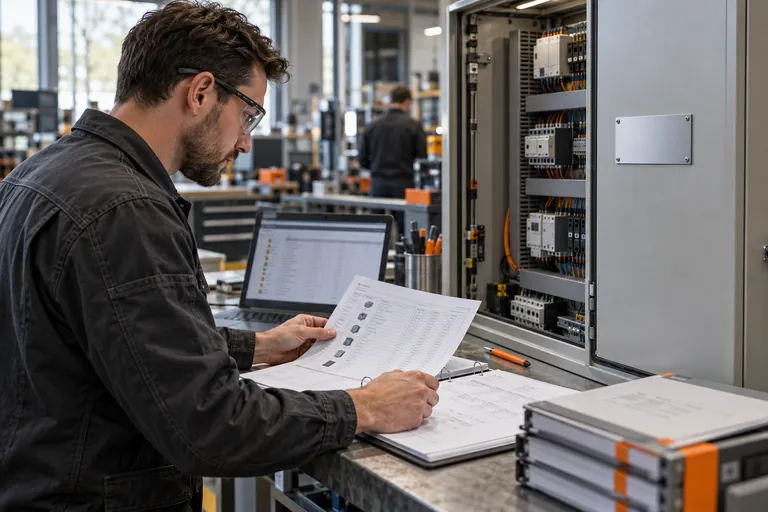 NEXT05 / PROVE
UL 508A documentation
Prepare the compliance paperwork from job data, for your team to check.
Prepare the paperwork ↗