
Catch BOM errors before
the parts are ordered.
We check the approved BOM against the purchase order and list every mismatch, so your purchasing owner reviews before anything goes out.
Planned · shaped with our first partners
- WE READBOM and order inThe approved BOM and the draft purchase order
- WE COMPAREMatched line by linePart numbers, quantities, packs
- WE FLAGMismatches listedEach one with its reason
- YOUR PURCHASING OWNERYou approveBefore anything is ordered
The order is where
a BOM error becomes real.
Select a step to see what happens, and where the wrong part gets through. Each step also shows what it costs you.
BOM approved
Engineering signs off the BOM. From here it drives the order, the build and the cost.
Late changes mean the approved BOM and the working BOM are not the same file.
Wrong part. The part arrives and does not fit. The build stops.
Orders built
Purchasing groups lines by supplier and builds the orders, often from a spreadsheet.
A part number is retyped, a line is dropped or a quantity is rounded wrongly.
Short order. A second order, more freight, and a delay.
Sources and alternates
Each line is assigned a supplier. Alternates are considered when stock or lead time is a problem.
An alternate is chosen without anyone checking it against the BOM.
Rush freight. A cost that comes straight out of margin.
Quantities and packs
Quantities are adjusted for pack sizes, minimum order quantities and a spares allowance.
The BOM says 7. The pack is 10. The order says 5.
Surplus. Cash tied up in parts the job did not need.
Lead time against the build
Lead times are compared with the build schedule to see what must be ordered first.
A long-lead part is ordered with the rest, and the build waits for it.
Late long-lead part. The whole build waits for one part.
Goods arrive
Receiving checks what arrived against the order.
By now, the error has a cost: freight, returns and a delayed build.
Idle build. Labour waits, and delivery slips.
A second pair of eyes
that reads every line.
We compare documents and list every difference. Your purchasing owner decides.
- Your data stays yours, under an NDA
- You keep your own tools and files
- A person approves every result
The approved BOM (8 lines) and the draft purchase order (7 lines) are loaded and matched line by line.
| PART | DESCRIPTION | BOM QTY | ORDER QTY |
|---|---|---|---|
| DEMO-DS-63 | Main disconnect 63 A | 1 | 1 |
| DEMO-CT-25 | Contactor 25 A | 3 | 3 |
| DEMO-OL-17 | Overload relay 17–25 A | 3 | 3 |
| DEMO-TB-24 | Terminal block | 48 | 40 |
| DEMO-PS-10 | Power supply 24 VDC | 1 | 1 |
| DEMO-EN-81 | Enclosure | 1 | 1 |
| DEMO-CT-12 | Control transformer | 1 | — |
| DEMO-RL-01 | Relay | 4 | 4 (DEMO-RL-02) |
Part numbers, quantities and missing items are compared against the BOM.
| PART | BOM QTY | ORDER QTY | RESULT |
|---|---|---|---|
| DEMO-DS-63, CT-25, OL-17, PS-10, EN-81 | as listed | as listed | Matched |
| DEMO-TB-24 | 48 | 40 | Quantity differs |
| DEMO-CT-12 | 1 | — | Not on the order |
| DEMO-RL-01 | 4 | 4 | Different part on order |
Three mismatches, each with both values and the reason it was flagged.
| LINE | BOM SAYS | ORDER SAYS | WHY FLAGGED |
|---|---|---|---|
| Terminal block | 48 × DEMO-TB-24 | 40 × DEMO-TB-24 | Order is 8 below the BOM |
| Control transformer | 1 × DEMO-CT-12 | Not on the order | Line missing from the order |
| Relay | 4 × DEMO-RL-01 | 4 × DEMO-RL-02 | Part number differs from the BOM |
Nothing is ordered until your purchasing owner has decided on each line.
Waiting for your purchasing owner
Waiting for your purchasing owner
Waiting for your purchasing owner
An illustration with made-up parts and prices. Your own version is set up around your files and rules.
Read the BOM and the order
The approved BOM and the draft purchase order are loaded and matched line by line.
Compare every line
Part numbers, quantities, pack sizes and missing items are compared against the BOM.
List the mismatches
Each mismatch is listed with the line, both values and the reason it was flagged.
Your purchasing owner approves
Nothing is ordered until a person has reviewed the list and decided.
A 4–6 week pilot on your own work.
A subscription only once it is proven.
We agree the scope and the definition of done, and sign the NDA together. We run the pilot on your own data and keep refining it until it meets that definition. Your annual subscription starts only after you sign off the result.
- 01START · AGREE THE SCOPE
Agreed up front, in writing.
We sign the NDA and agree the scope together: one workflow, the success measures and exactly what done looks like. Only then do any drawings or prices change hands.
- 02DURING · 4–6 WEEK PILOT
On your own data.
We run the pilot beside your live work, so nothing you rely on changes. Past jobs with the BOM and the purchase order that was actually placed.
- 03END · SIGN-OFF
Refined until it meets the bar.
A short report against the success measures you set. If it falls short, we refine and run it again until it meets the definition of done.
- 04AFTER · SUBSCRIPTION
Starts at sign-off.
One annual subscription per workflow covers running it, support and improvements. You already know it works on your own data, so this is not an experiment.
How you are protected. The pilot has a bounded scope and success measures agreed before it starts. Concerns about your data, or about how our two teams will work together, are tested against those measures. At the end you decide whether to go on, and the subscription starts only after you sign off.
Why panel shops
work with us.
Your data stays yours. The workflow gets better every year, for you and for everyone we work with.
Your data stays yours
Your drawings, prices and quotes are covered by the NDA and are never shared with other shops. Access, storage and deletion are agreed up front.
You get the best of every shop
What we learn about the work itself, the common gaps and the checks that catch them, goes back into the product. You benefit from it without anyone seeing your data.
It keeps getting better
We keep refining the format, the checks and the results throughout the year. Improvements to your workflow are included in your subscription.
You see it work first
The pilot runs on your own quotes against a definition of done you set. You subscribe once you have signed off the result.
We run it. You decide.
We set it up, run it and support it. Your team reviews and approves everything that reaches a customer.
Built by AI product engineers
AI product engineering is what we do every day, and that craft goes into your workflow: the design, the testing and the support.
Every line accounted for
before the order goes out.
Each check is simple on its own. Together they cover what a busy day lets slip.
Part numbersRight part, every line.3 checks
- Order part numbers matched to the BOM
- Mistyped or transposed numbers flagged
- Superseded or old-revision numbers flagged
QuantitiesRight count, every line.3 checks
- Order quantity compared with the BOM quantity
- Pack size and minimum order quantity considered
- Spares allowance visible, not hidden
Missing and extraNothing left out, nothing added.3 checks
- BOM lines missing from the order listed
- Order lines not found in the BOM listed
- Duplicate lines listed
AlternatesSubstitutes in plain sight.3 checks
- Alternate parts marked as alternates
- Alternates compared with the BOM part
- Alternate decisions left to your team
Lead time and scheduleWhat to order first.3 checks
- Longest-lead lines identified
- Lead time compared with the build date
- Lines at risk of arriving late listed
RecordA trail for the next question.3 checks
- Reviewer and date saved with the check
- Decisions recorded per mismatch
- Export of the check on request
Tap a card to see the checks.
What a flag looks like · sample
Terminal blocks, order below BOM
BOM requires 120. The draft order shows 100. Pack size is 20.
Line missing from the order
This BOM line does not appear on any draft purchase order.
Part differs from the BOM
Order uses a different part number. Marked as an alternate for review.
What we will not do · boundaries we keep, on purpose
Scope, input, output and boundaries
An approved BOM and the draft purchase order
A list of mismatches: quantities, part numbers and missing items
Your purchasing owner approves before anything is ordered
Past jobs with the BOM and the purchase order that was actually placed.
Mismatches found against those your team confirms, false flags, and time to check.
We check consistency between documents. We do not decide part suitability or place orders.
What buyers ask
before they start.
What does a BOM-to-purchase-order check look at?
It compares the purchase order with the current BOM, line by line, for part numbers, quantities and revisions, and flags the lines that do not match before parts are ordered.
Can AI flag long lead-time parts before we order?
It flags lines whose lead time in the supplier data you provide is longer than a threshold you set. It does not predict shortages; it reads the data you give it.
Will it place or change purchase orders for us?
No. It never orders anything. It flags issues for the person who owns purchasing, who decides what to do.
How are substitute parts and alternates handled?
Substitution is an engineering decision. The workflow can show the alternates your team has already approved, but suitability and electrical design validation remain with your engineers.
What data do we need to supply for purchasing checks?
The BOM, the purchase order and a supplier price or lead-time file, as exports you already have. We sign an NDA before any data is shared and agree storage and deletion up front.
Is purchasing-check automation available now?
It is planned next and is being shaped with our first partners. Quote preparation is where we start. If this one matters most to you, tell us, because it helps set the order.
See what it could take
off your team.
A 20-minute call. We listen first, walk you through it, and tell you whether it fits. No drawings needed.
Guides behind this workflow.
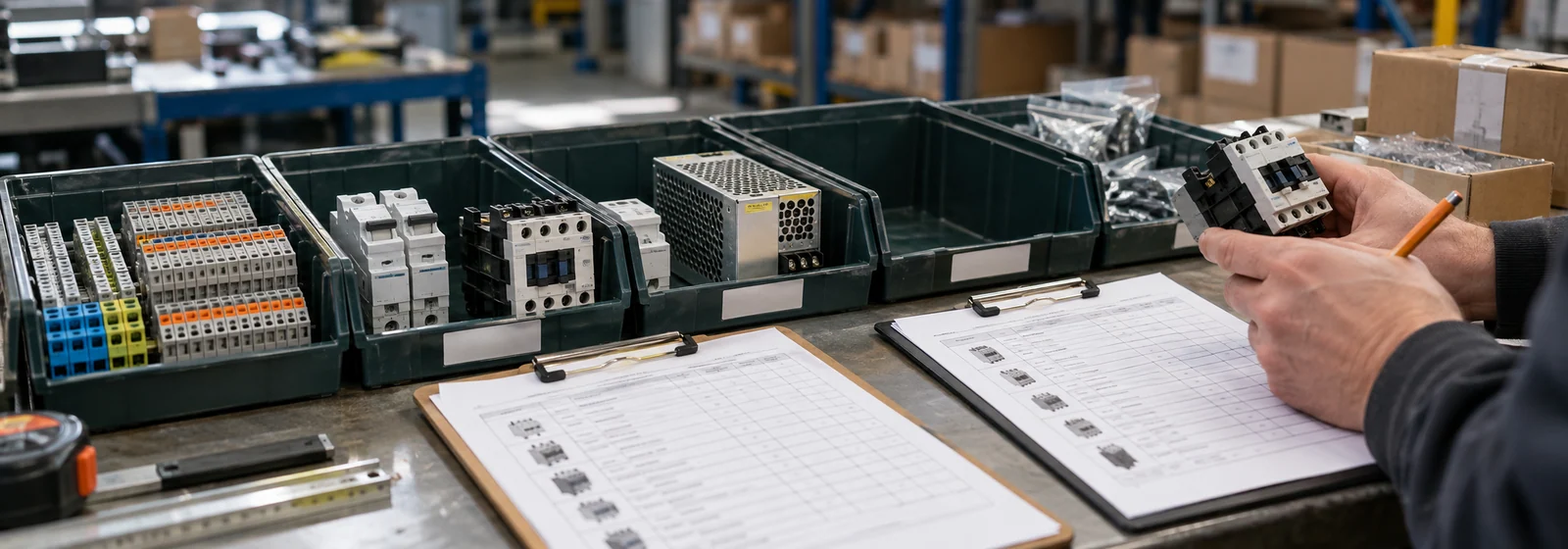 Purchasing · 6 min read
Check the BOM against the PO before the wrong part is ordered
Compare the BOM, the quote and the purchase order line by line, so the wrong part is caught before it is ordered.
Read the guide ↗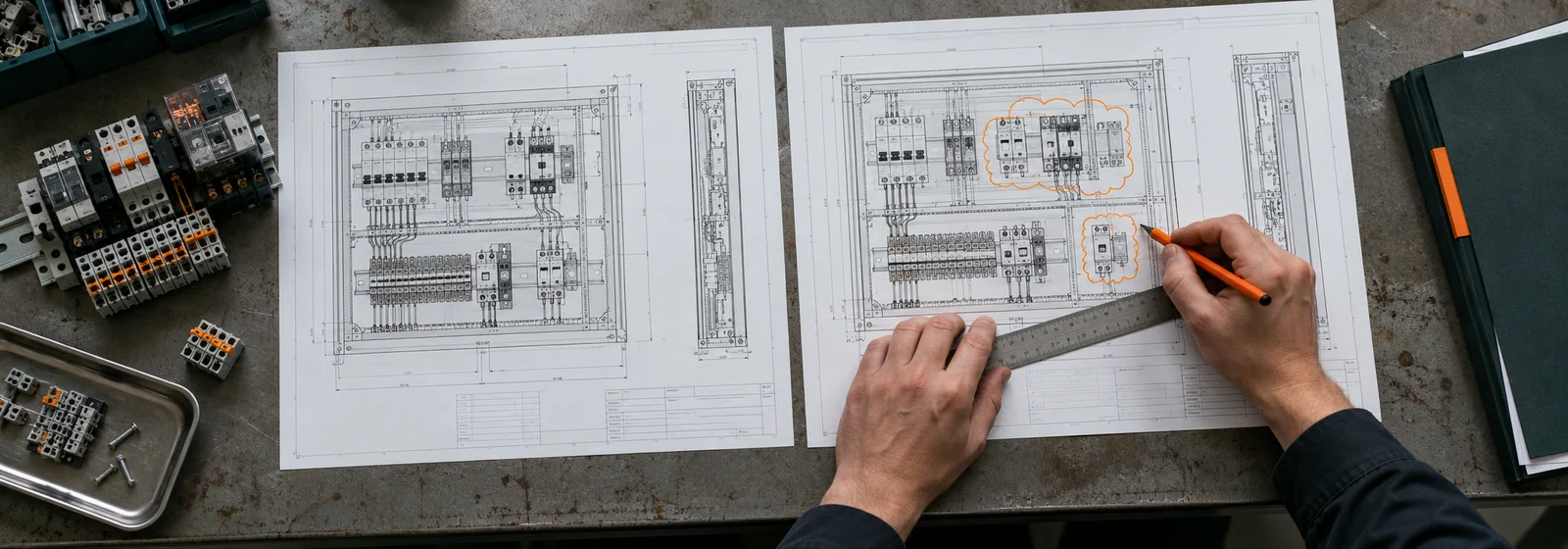 Revisions · 6 min read
One changed line can derail a panel build. Here’s how to catch it
Learn how a formal change order catches every changed line and keeps BOM and drawings aligned.
Read the guide ↗Other jobs we can
take off your team.
Quote preparation is where we start. The others are planned next, shaped with our first partners. Have a different job in mind? Bring it to us.
 START HERE01 / QUOTE
Quote preparation
Turn an RFQ into a reviewed BOM and a priced draft quote.
Prepare quotes faster ↗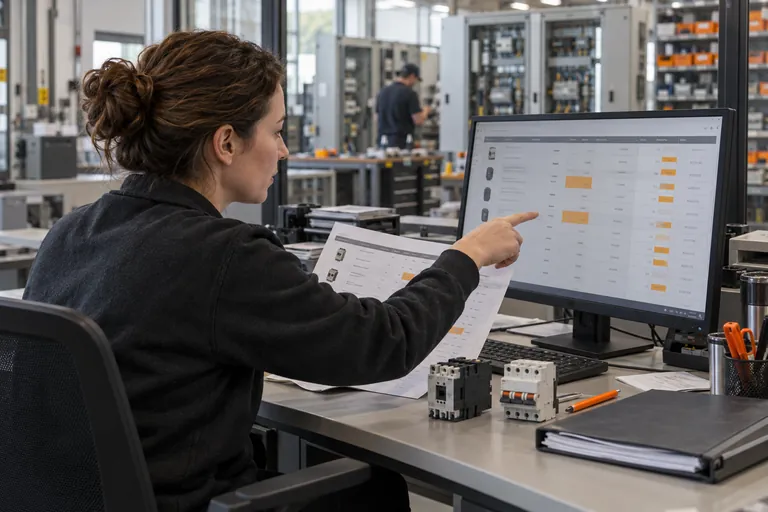 NEXT02 / PRICE
Price and lead-time alerts
Flag quotes that go stale when component prices or lead times move.
Catch stale quotes ↗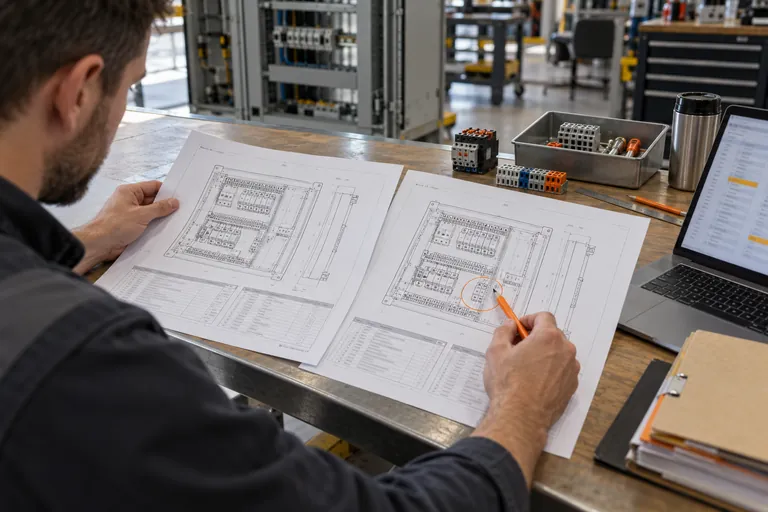 NEXT03 / CHANGE
Revision tracking
Catch changed quantities and part numbers and carry them through.
Track every change ↗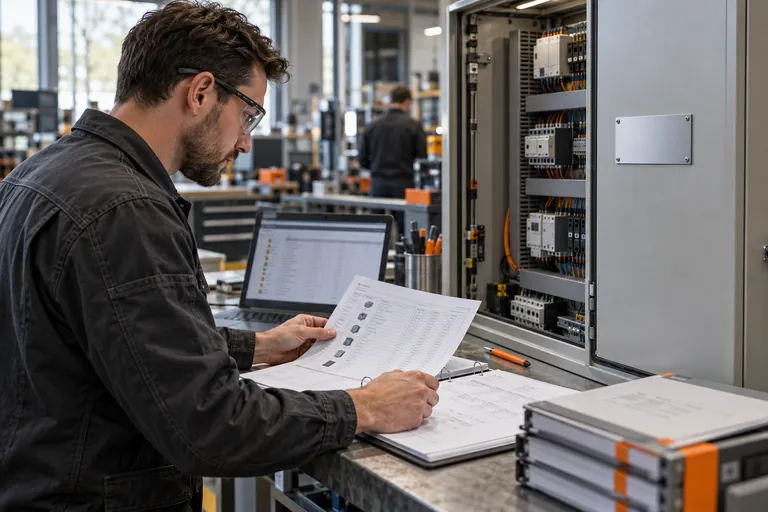 NEXT05 / PROVE
UL 508A documentation
Prepare the compliance paperwork from job data, for your team to check.
Prepare the paperwork ↗